How MCP Authentication and Authorization Work With OAuth 2.1

Written by
Himanshu
Reviewed by
Rohit Joshi
Published 21 October 2026
Expert Verified
Quick answer
MCP uses OAuth 2.1 in two stages. Authentication comes first, when a client without a token gets a 401, discovers the authorization server, and sends the user through a browser sign-in that ends in an access token. Authorization follows on every request, when the MCP server checks that the token was issued for it and that its scopes, which are named permissions, cover the tool being called.
TL;DR
- MCP authentication proves who is connecting to your MCP server, and MCP authorization limits what that caller can do.
- Remote HTTP servers should handle both through one OAuth 2.1 flow, and local stdio servers read credentials from the environment instead.
- Choose the credential by caller, with OAuth for people, machine credentials for background jobs, and API keys for links that one team controls end to end.
A developer connects an AI agent to a calendar through a Model Context Protocol (MCP) server. The integration works perfectly during testing. Then a second employee connects, and both users’ requests reach the calendar API through the same shared credential.
The problem isn’t that the agent can’t call the API. It’s that the server may not know which employee authorized each action or whether that employee should be allowed to perform it.
What Is MCP OAuth?
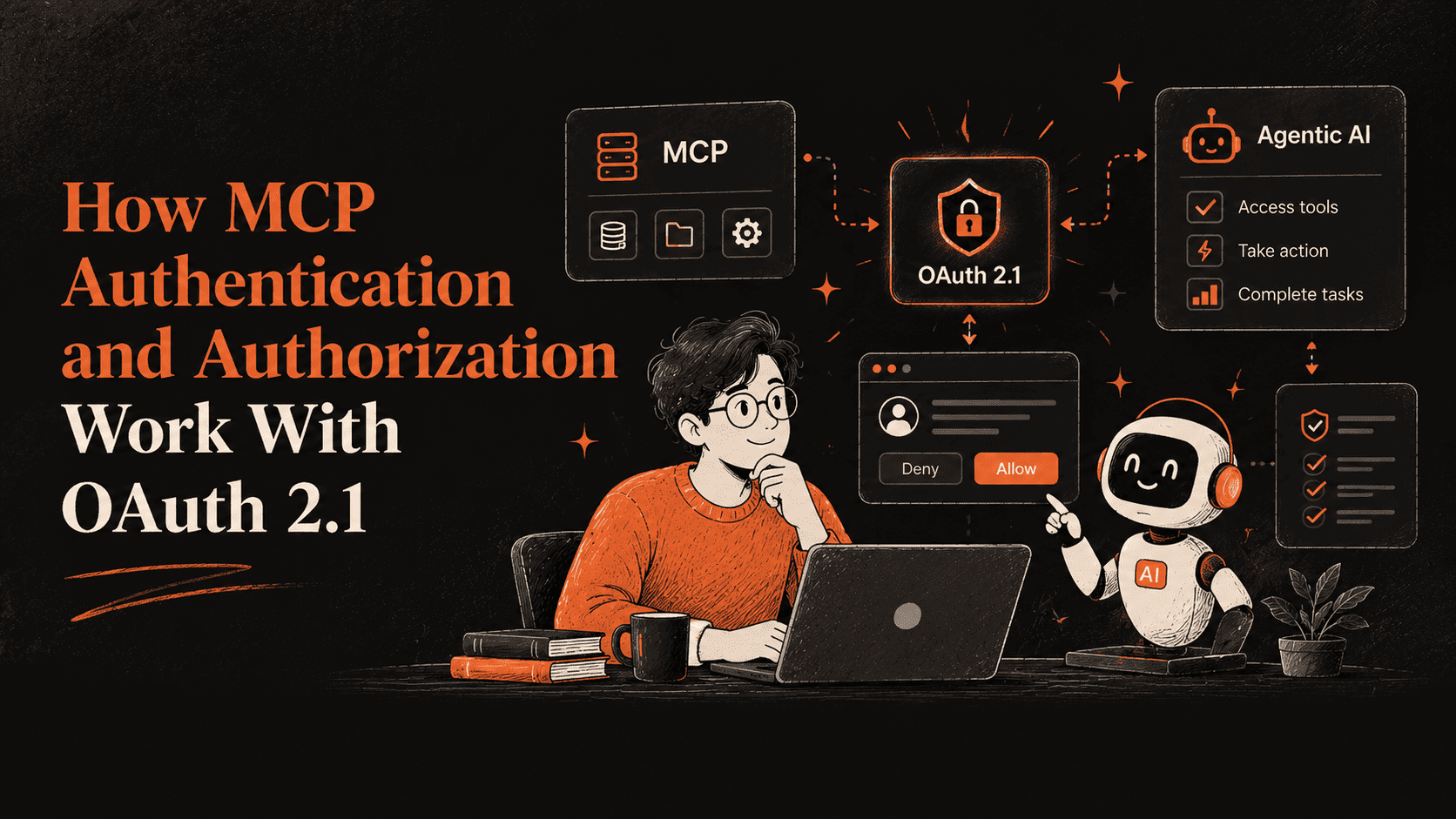
MCP OAuth refers to the OAuth-based authorization mechanism defined for HTTP-based Model Context Protocol connections. It allows an MCP client, such as an AI assistant, to request access to a protected MCP server without requiring the application to expose a permanent API credential to the language model.
Three components participate in the process:
- MCP client: The application requesting access to tools or resources.
- MCP server: The protected resource server that receives requests and enforces access restrictions.
- Authorization server: The service that handles authorization and issues access tokens.
The authorization server may be operated alongside the MCP server or by a separate identity provider.
An important distinction: OAuth access tokens do not automatically represent a specific human user. Depending on the grant and implementation, a token may represent delegated user access or an application’s own authority. For user-facing AI agents, delegated access is often the appropriate design because individual users may need different permissions.
MCP’s authorization specification is optional. When authorization is implemented for HTTP-based MCP transports, the protocol defines a standard way for clients and servers to handle it. Local STDIO-based integrations generally use credentials provided through their execution environment instead.
MCP authentication vs. authorization
Authentication answers “who is calling?” and authorization answers “what may this caller do?” A support agent connecting to a company’s order system shows both. Signing in as a named staff member is authentication. The token that lets the agent read orders but blocks refunds is authorization.
One precision note before the details. OAuth 2.1 is a delegated-authorization framework. The access token says a client may act for a user within certain limits, and the actual login happens at the authorization server, often through OpenID Connect (OIDC, an identity layer built on OAuth). The MCP specification calls the whole flow “authorization”. This guide splits it in two because the stages fail in different places: steps 1 to 6 of the flow produce a verified token (authentication), and everything your server does with that token afterward is authorization.
| Authentication | Authorization | |
|---|---|---|
| Question answered | Who is calling? | What may this caller do? |
| Where it happens | Authorization server (login and consent), plus your server verifying the token | Your MCP server, on every request |
| What the user sees | A sign-in page and a consent screen | Nothing, unless a tool needs more access |
| Evidence used | Token signature, expiry, issuer and audience (the server the token was issued for) | Scopes inside the token, plus your own policy |
| Failure response | 401 when no valid token arrives | 403 when a valid token lacks a scope |
The two meet at the consent screen. The user’s approval decides which scopes go into the token, and your server enforces them on every request.
The three roles
OAuth names three parties, and the MCP specification maps each onto an MCP component.
- MCP server: the OAuth resource server, the system that holds protected data and accepts access tokens.
- MCP client: the OAuth client, the application that sends requests on the user’s behalf.
- Authorization server: signs the user in, collects consent and issues tokens. It can run inside your MCP server or, more commonly in production, as a separate identity provider.
A scope is a named slice of access, such as files:read. Each step below is one of these three parties acting on another.
When Does an MCP Server Need Authentication?
The OAuth flow is optional in MCP, so your first decision is whether a given server needs it.
Under the MCP authorization spec, HTTP-based servers should follow its OAuth flow. A stdio server is a local program your client launches and talks to through standard input and output, and it should retrieve credentials from the environment instead. The flow is strongly recommended whenever your server meets any of these conditions.
- The server reads user-specific data such as email, documents, or databases
- You need an audit trail of who performed which action
- Actions require user consent
- You serve enterprise customers with strict access controls
- You want rate limiting or usage tracking per user
The support agent from the last section shows the threshold. Anyone building an AI agent for customer service needs a verified identity behind every request once the agent gets write access, because each call touches one customer’s records on behalf of one staff member.
Pick OAuth the moment a second person shares the server, and keep environment credentials for servers that run on one machine.
How MCP Authentication Works With OAuth 2.1 Step by Step
The MCP OAuth flow follows OAuth 2.1 and has seven steps. A compliant client runs them automatically, and the person sees only the browser sign-in in step five. In plain terms, the flow does four jobs.
- Your server tells the client where to sign in (steps 1 to 3)
- The client identifies itself to the authorization server (step 4)
- The user signs in and approves access (step 5)
- The client receives an access token and starts using it (steps 6 and 7)
Steps 1 to 6 are authentication, and they end with a token. Step 7 is where authorization takes over.

1. MCP Server Returns a 401 Challenge
A client that calls your server without a token receives HTTP 401 and a WWW-Authenticate header, the standard HTTP header that tells a client how to authenticate. The header points to your server’s metadata and can name the scope the operation needs.
HTTP/1.1 401 Unauthorized
WWW-Authenticate: Bearer resource_metadata=”https://mcp.example.com/.well-known/oauth-protected-resource”,
scope=”files:read”
Publish the metadata location in this header or at a well-known address, a fixed path that begins with /.well-known/. Clients must support both discovery paths, so either choice works.
2. Client Discovers Protected Resource Metadata
Protected resource metadata (PRM) is a JSON document, defined by RFC 9728, that names the authorization servers your resource accepts and the scopes it supports.
{
“resource”: “https://your-server.com/mcp”,
“authorization_servers”: [“https://auth.your-server.com”%5D,
“scopes_supported”: [“mcp:tools”, “mcp:resources”]
}
Make the resource value match your server URL exactly, because the client discards the document when it does not.
3. Client Discovers the Authorization Server
The client now reads the authorization server’s own metadata from fixed well-known addresses, trying the OAuth address first and then the OpenID Connect (OIDC, an identity layer built on OAuth) addresses. The issuer is the authorization server’s identifier URL, and the issuer in the returned document must equal the one used to build the address, or the client discards the metadata.
The client also stops when code_challenge_methods_supported is missing, because that field advertises PKCE, the protection described in step 5. Confirm your authorization server publishes it.
4. Client Identifies Itself to the Authorization Server
Before the browser opens, the client needs an identifier the authorization server recognizes. Clients that support every option follow this priority order.
- Use pre-registered client information for that server
- Use a Client ID Metadata Document (CIMD) if the authorization server advertises client_id_metadata_document_supported
- Fall back to Dynamic Client Registration (DCR) if the server exposes a registration_endpoint
- Prompt the user to enter client details
CIMD lets a client use an HTTPS URL as its client ID. The authorization server fetches the JSON document at that URL and checks that the client_id matches the URL and that the request’s redirect URIs appear in the document.
DCR is the older mechanism, in which a client registers itself over an API. The 2026-07-28 revision deprecates it in favor of CIMD and keeps it for backward compatibility, with a twelve-month minimum deprecation window. Treat DCR as legacy and build new work on CIMD.
5. User Authorization With PKCE and the Resource Parameter
The client opens the authorization endpoint in a browser and sends a PKCE challenge, the canonical URI of the target MCP server, and the scopes it selected.
Proof Key for Code Exchange (PKCE, RFC 7636) binds the authorization code to a secret the client generated, so a stolen code is useless without the matching verifier. Use the S256 method, which hashes the secret with SHA-256, whenever you can. The resource parameter from RFC 8707 tells the authorization server which MCP server the token is for. Clients must send it in both the authorization and token requests, even when the authorization server does not support it.
GET /authorize?response_type=code
&client_id=https%3A%2F%2Fapp.example.com%2Foauth%2Fclient-metadata.json
&redirect_uri=http%3A%2F%2Flocalhost%3A3000%2Fcallback
&scope=files%3Aread
&state=xyz
&code_challenge=E9Melhoa2OwvFrEMTJguCHaoeK1t8URWbuGJSstw-cM
&code_challenge_method=S256
&resource=https%3A%2F%2Fmcp.example.com
The state value is random data the client checks when the browser returns. After sign-in and consent, the authorization server redirects to the callback with a code and an iss parameter naming the issuer. Compare iss with the issuer you recorded in step 3 before using the code, which blocks mix-up attacks.
6. Client Exchanges the Authorization Code for Tokens
The client posts the code, the original code verifier, and the same resource value to the token endpoint. The response holds an access token and may hold a refresh token, a longer-lived credential that obtains new access tokens.
Authorization servers should issue short-lived access tokens and must rotate refresh tokens for public clients, which are apps that cannot keep a secret, such as desktop, mobile, and browser apps. Clients keep refresh tokens confidential and never assume one will be issued.
7. Client Sends the Access Token With Each Request
From this point every HTTP request to your server includes the access token in the Authorization header. A bearer token works for whoever holds it, so send it only over HTTPS and never in the URL query string. The next section covers what your server checks before it accepts one.
Where Each Step Breaks and How to Fix It
A failed connection stops at one specific step, and the symptom tells you which. The Claude rows come from Claude’s connector requirements as of October 2026.
| Symptom | Step | Likely cause | Fix |
| Your authorization server sees no traffic at all | 1 and 2 | The 401 carries no resource_metadata pointer and the well-known paths return 404 | Add the pointer or serve the metadata at the well-known paths |
| The client discards your metadata | 2 or 3 | The resource value differs from the server URL the user entered, or the issuer differs from the URL used to fetch the metadata | Make both match exactly |
| The client stops before opening the browser | 3 | code_challenge_methods_supported is missing from the metadata | Publish it with S256 |
| Registration fails or falls back to DCR | 4 | The authorization server advertises neither CIMD nor a registration_endpoint, or for Claude lacks one of the two CIMD values | Advertise client_id_metadata_document_supported and, for Claude, “none” in token_endpoint_auth_methods_supported |
| The browser sign-in errors on redirect | 5 | The redirect URI does not match exactly, or a loopback redirect (a callback to localhost on the user’s machine) arrives on a new port | Match registered URIs exactly and accept loopback redirects on any port |
| Sign-in finishes but the connection still fails | 6 | The token endpoint answers too slowly or rejects form-encoded bodies | Respond within Claude’s 10-second limit (30 seconds for refresh) and accept application/x-www-form-urlencoded |
| Calls work, then return 401 | 7 | The token expired or names a different audience | Refresh the token and send the resource parameter in both requests |