Genspark AI Review 2026: Hands-On Testing, Pricing & Alternatives

Written by
Rajni
Reviewed by
Himanshu
Published 07 August 2026
Expert Verified
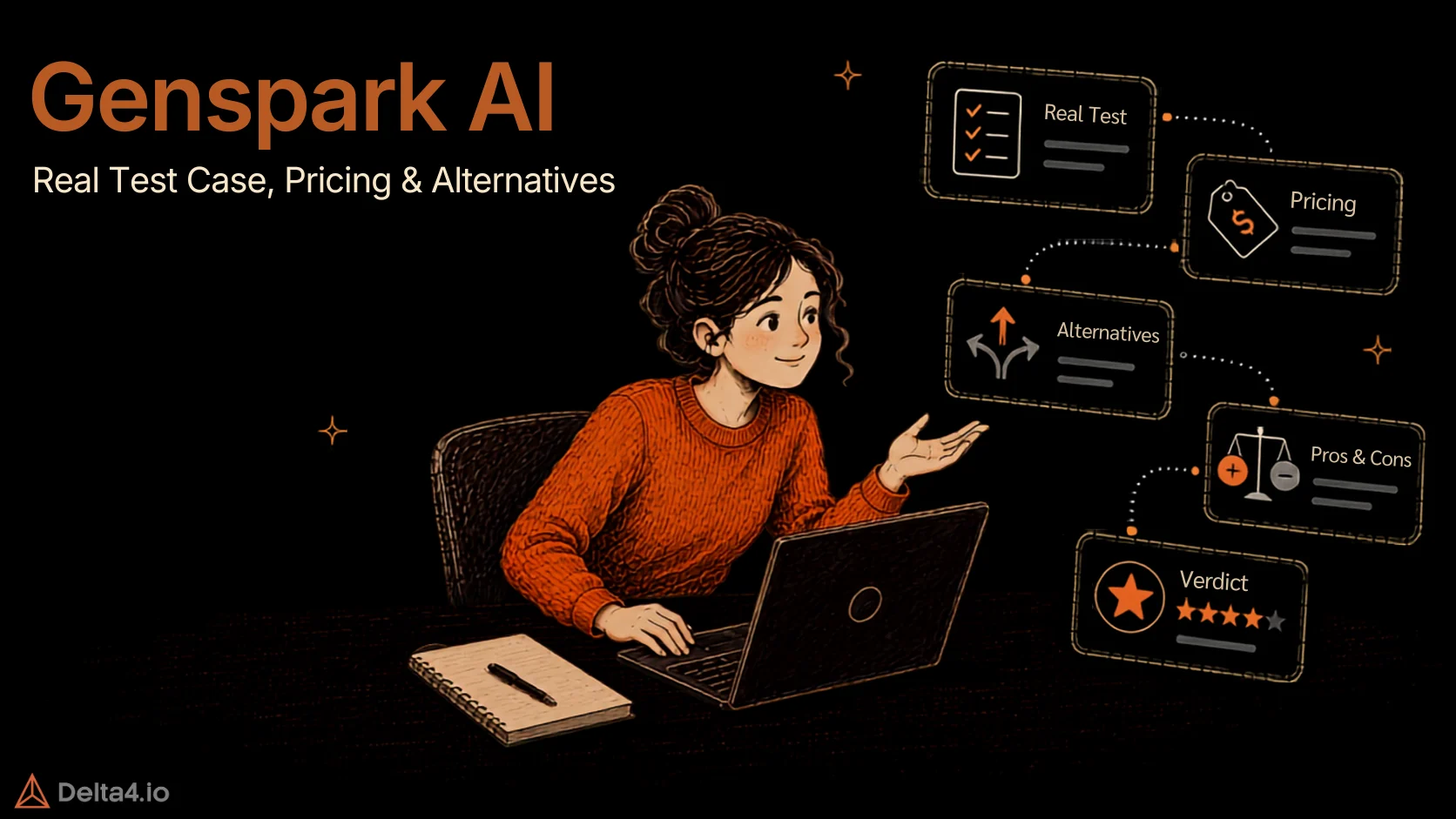
TL;DR
- Genspark AI is an all-in-one workspace built around a “Super Agent” that plans and runs tasks like research, slide decks, spreadsheets, websites, and phone calls from a single prompt, priced Free to $249.99/month on a credit system rather than flat usage.
- It’s a strong fit for one-off, multi-format research and content work, but a harder sell if you need predictable flat pricing, given a Trustpilot score around 1.5 out of 5 driven largely by credit-burn and billing complaints.
Most searches for a Genspark AI review turn up either a glowing feature walkthrough or a Trustpilot page full of billing complaints, and rarely both in the same place. That gap makes it hard to tell if the tool is genuinely useful or just well-marketed.
This review covers what Genspark actually does, what it costs in 2026, how it holds up under real use, and where it falls short. If you’ve read reviews that only cover the demo and skip the credit meter, this fills in what’s missing.
What Is Genspark AI?

Genspark AI is an all-in-one AI workspace built around a Super Agent that researches topics, creates presentations, analyzes data, builds web pages, and completes multi-step tasks from one prompt. Instead of returning a single chatbot-style answer, it breaks the request into steps, picks the tools it needs, and delivers a finished result, a report, a slide deck, a spreadsheet, or a live page.
The company, based in Palo Alto and led by CEO Eric Jing, was founded in 2023 and publicly launched its Sparkpages search product in 2024, cited, structured answer pages instead of a list of links. It later expanded into autonomous task execution with Super Agent, and per OpenAI’s own case study on the launch, that shift took the product to $36 million in annualized revenue within 45 days. Today Genspark combines AI search, research, content creation, and productivity tools in one platform, part of the broader shift toward AI agents that complete tasks instead of just answering questions.
Key Features of Genspark AI
Genspark’s toolset spans well beyond a chatbot. The core pieces, per Genspark’s own product documentation:
- Super Agent – Takes a plain-language goal, plans the steps, and coordinates the right tools automatically instead of waiting for follow-up prompts.
- Sparkpages – Structured, cited research pages built from multiple sources, Genspark’s original product and still the backbone of its research mode.
- AI Slides and AI Sheets – Turns a prompt or an uploaded document into a formatted presentation or a data table, complete with charts.
- AI Sites – Generates a full, live landing page from a single prompt, no separate hosting setup needed.
- Call For Me – Places real phone calls on your behalf, navigates automated menus, and returns a transcript and summary.
- Genspark Claw – An agent with its own cloud computer that takes instructions through WhatsApp, Telegram, Slack, or Teams and works in the background, a separate subscription starting at $39.99/month, not included in the Free, Plus, or Pro credit pool.
- AI Drive – File storage built into the platform for organizing and searching what the agents produce.
Most of these draw from a shared credit pool. Claw is the one exception, billed separately.
How We Tested Genspark AI
We ran Genspark on the Free plan (100 credits/day) through a real research and content task for a fictional product launch, an AI-powered invoicing and billing platform for freelancers called Ledgerly. The plan was to follow it with a brand moodboard and matching social launch images, but the Free plan ran out of daily credits before we got that far.
Test : AI Research + Launch Newsletter
This tests whether Genspark can research a real market and turn findings into publish-ready content, not just a bullet-point summary.
The task we ran:
Research the invoicing and billing SaaS market for freelancers. Identify three common pain points with existing tools, such as late payments, manual tracking, or a clunky user experience. Then write a launch newsletter for Ledgerly, an AI-powered invoicing and billing platform, positioning it as a solution to these pain points. Support the research findings with citations and source links.
Hands-On Testing, Scorecard
| Evaluation Parameter | What We Evaluated | Score | Notes |
|---|---|---|---|
| Research Accuracy | Whether the identified pain points were accurate and relevant to freelancers | 4/5 | Fact-checked stat verified accurate, minor calculation error found. |
| Source & Citation Quality | Whether the sources were credible, relevant, and properly linked to the findings | 3/5 | Credible sources, but no clickable links, citations by name only. |
| Research Depth | Whether the findings provided useful insights beyond obvious or generic pain points | 4/5 | Data-backed insights, not generic AI filler content. |
| Research-to-Content Flow | How effectively the research findings were used to shape the newsletter | 5/5 | Research directly drove structure, strong content coherence. |
| Newsletter Quality | Clarity, structure, tone, readability, and overall writing quality | 4/5 | Polished copywriting, though scope drifted into landing-page length. |
| Product Positioning | How clearly Ledgerly was positioned as a solution to the identified pain points | 5/5 | Clear problem-solution mapping, strong SaaS messaging. |
| CTA Effectiveness | Whether the early-access signup CTA was clear and persuasive | 4/5 | Persuasive, urgency-driven CTA, though placement was slightly redundant. |
| Overall Score | Average score across all evaluation parameters | 4.1/5 | Strong on research accuracy, weaker on source verifiability. |
Genspark’s research held up under a fact-check, and the newsletter it produced from that research read like something a person actually wrote, not a generic template with the product name swapped in. The one real miss was citations. The sources it pulled were credible, but it named them rather than linking them, so every claim still needs a manual search to verify before you could publish it as-is.
Genspark AI Pricing (2026)
Genspark runs on a credit system, so the plan price only tells you part of the cost. What you actually spend depends on which features you use and how often.
| Plan | Price | What You Get | Best For |
|---|---|---|---|
| Free | $0/month | 100 credits/day, 1 GB AI Drive storage, limited agent access | Testing the platform before paying |
| Plus | $24.99/month ($19.99/month billed annually) | 10,000 credits/month, 50 GB AI Drive storage, priority agent access | Regular research, slides, and content work |
| Pro | $249.99/month | 125,000 credits/month, full model and media access | Heavy, repeated production work |
| Team | $30/seat/month | 12,000 credits/seat/month, 60 GB AI Drive storage/seat, pooled admin controls | Teams needing shared agent output |
A few things worth knowing before you pick a plan:
- Chat and image generation currently cost zero credits on paid plans, but that perk is only guaranteed through December 31, 2026.
- A research Sparkpage runs roughly 5 to 80 credits depending on depth, a slide deck 100 or more, and a short phone call around 180.
- “Unlimited” chat still has a session-based rate limit that resets every five hours, something Genspark’s own help docs acknowledge.
- Credits don’t roll over month to month, so an unused allowance simply resets.
Pros & Cons
What works:
- Genuinely useful for turning a single prompt into a finished deliverable (report, slide deck, or landing page) instead of a chat reply you still have to format yourself.
- Sparkpages organize research more clearly than a plain chat transcript, useful when you need to share findings with someone else.
- Broad tool coverage means fewer app switches for research, slides, sheets, and basic sites.

“Probably the most interesting one here for research, agent-style workflows, and heavier “do the task for me” use. It feels more ambitious than a basic chatbot wrapper”
What doesn’t:
- Credit consumption is hard to predict, and the most common complaint across reviews is credits draining faster than expected, sometimes even on tasks that fail. We ran into the same thing ourselves, the Free plan’s 100 daily credits were gone after one research and newsletter task.
- Pricing isn’t visible until you create an account, which several reviewers flag as unusually opaque for a paid product.
- Support and billing complaints show up often enough in reviews to be a pattern rather than an exception, including refund delays and cancellation friction.
- Output quality can feel repetitive if your prompts aren’t specific, and exports don’t always come out clean on the first try.

“Will not be using Genspark again. It constantly used credits on failed or worsening iterations – mistakes were eating credits, and going through many rounds just to fix its bad design/layout output. Expensive and definitely not worth it.”
Best Genspark AI Alternatives
Genspark isn’t the only option if the credit model or the price doesn’t work for you.
- ChatGPT (Plus, with Agent mode) – the closest general-purpose alternative, and the pricing is flat at $20/month rather than credit-metered. Best if you want one predictable bill regardless of how much you use it.
“ChatGPT: A versatile tool for brainstorming, drafting, coding, and image generation, widely used for its convenience.”
- Perplexity (Pro) – more narrowly focused on sourced, cited search and research than Genspark’s broader content-creation set, and runs about $20/month. Best if research and citations are your main need, not slide decks or phone calls.
“Perplexity for research. Best for quick answers with real sources, especially competitive analysis and market scanning.”
- Manus – the closer match for autonomous, multi-step execution. We’ve tested it directly in our Manus AI review, including real research and build tasks, if you want a side-by-side on where the two diverge.
For a wider list beyond these three, our roundup of the best AI tools for work covers more ground.
Is Genspark AI Worth It?
Worth it if:
- You need multi-format output (research, slides, sheets, a quick landing page) from one platform instead of juggling separate tools.
- You mostly chat and generate images, where the current zero-credit perk stretches a Plus plan a long way.
- You can tolerate variable monthly cost in exchange for broader task coverage.
Harder sell if:
- You need flat, predictable pricing you can budget around.
- You’re running high-volume or repeatable workflows, where credit burn adds up fast.
- You want pricing visible before creating an account, or a support team that responds quickly when billing goes wrong.
“Genspark definitely burns through credits faster this year. Last year on pro I would 50-75% every month and now I have to use ai chat to not run out”
Conclusion
Genspark earns its place when you need one detailed prompt to turn into several finished deliverables, a researched report, a slide deck, or a landing page, without moving between separate tools. Its breadth is the clear advantage, but the credit system makes the experience harder to predict, especially once you’re running larger tasks or trying its more advanced features.
The question worth asking before you pay is whether the credit-based pricing fits how you’ll actually use Genspark, not just whether the feature list looks impressive. Start with a real workflow you already run on the Free plan, and watch how fast it burns through the daily 100 credits against what a comparable subscription would normally cost you. Genspark is worth it if you need several AI capabilities in one workspace and can live with variable monthly cost. If you mainly rely on one capability, research, writing, or chat, and want a flat bill you can predict, a focused Genspark alternative like ChatGPT or Perplexity is the more practical pick.
Genspark’s value comes down less to how many features it packs in and more to whether its credit-based model fits the specific tasks you run most often.
Frequently Asked Questions
What is Genspark AI?
Genspark AI is an all-in-one AI workspace built around a Super Agent that researches topics, builds presentations, analyzes data, creates web pages, and completes multi-step tasks from a single prompt. Instead of just chatting back an answer, it plans the steps, picks the right tools, and delivers a finished result, whether that is a research report, a slide deck, or a live web page.
Is Genspark AI free to use?
Yes, Genspark AI has a free plan with no credit card required. It gives you 100 credits a day and about 1 GB of AI Drive storage, enough to test Super Agent, Sparkpages, and basic research tasks before paying. Free daily credits reset every 24 hours but do not build up, so heavier or repeated tasks will hit that ceiling quickly on the free tier alone.
How much does Genspark AI cost per month?
Genspark AI runs on three paid tiers on top of its free plan. Plus costs $24.99 a month, or about $19.99 a month billed annually, and includes 10,000 credits plus 50 GB of storage. Pro costs $249.99 a month with 125,000 credits, and Team plans start at $30 per seat. Chat and image generation are free on paid plans through the end of 2026.
Is Genspark AI safe and legitimate to use?
Genspark AI is a legitimate, venture-backed product built by a real company based in Palo Alto. Some frustrated users call it a scam online, but the actual pattern in negative reviews is billing confusion, not fraud, credits can get charged even when a task fails or stalls partway through. Read the credit terms carefully before subscribing, especially around retries and failed tasks.
What are the best Genspark AI alternatives?
The best Genspark AI alternatives depend on what you need most. ChatGPT is the closest general-purpose pick if you want flat, predictable pricing instead of credits. Perplexity is the stronger choice for research that leans on citations and search rather than slide decks or calls. Manus is the closer match if you need deeper autonomous, multi-step execution and price matters less than depth.
Is Genspark AI worth it for freelancers and small teams?
It depends on how you plan to use it. In our own hands-on test, running a research and newsletter task on the Free plan, Genspark scored 4.1 out of 5 for research quality, but burned through the entire daily credit allowance on a single task. It works well if you need multi-format output from one prompt and can tolerate variable monthly cost, less well if you need predictable pricing.
How is Genspark AI different from ChatGPT?
ChatGPT mainly answers and drafts inside a chat window, while Genspark AI plans a task, uses several tools automatically, and hands back a finished deliverable like a slide deck or a live web page. ChatGPT Plus also bills a flat $20 a month, while Genspark’s Plus and Pro plans meter usage through credits, so the better fit depends on whether you want

Article by
RajniAI & Tech | Senior Content Writer
Rajni is a senior content writer at Delta4 Infotech covering AI agents, automation, and no-code tools. She writes across the AI space, from chatbots and customer support to MCP and agent workflows, focused on how businesses actually put these tools to work.