Best AI Animation Generator in 2026: Use Case & Reviews

Written by
Taniya
Reviewed by
Himanshu
Last edited 24 August 2026
Expert Verified
Quick Answer
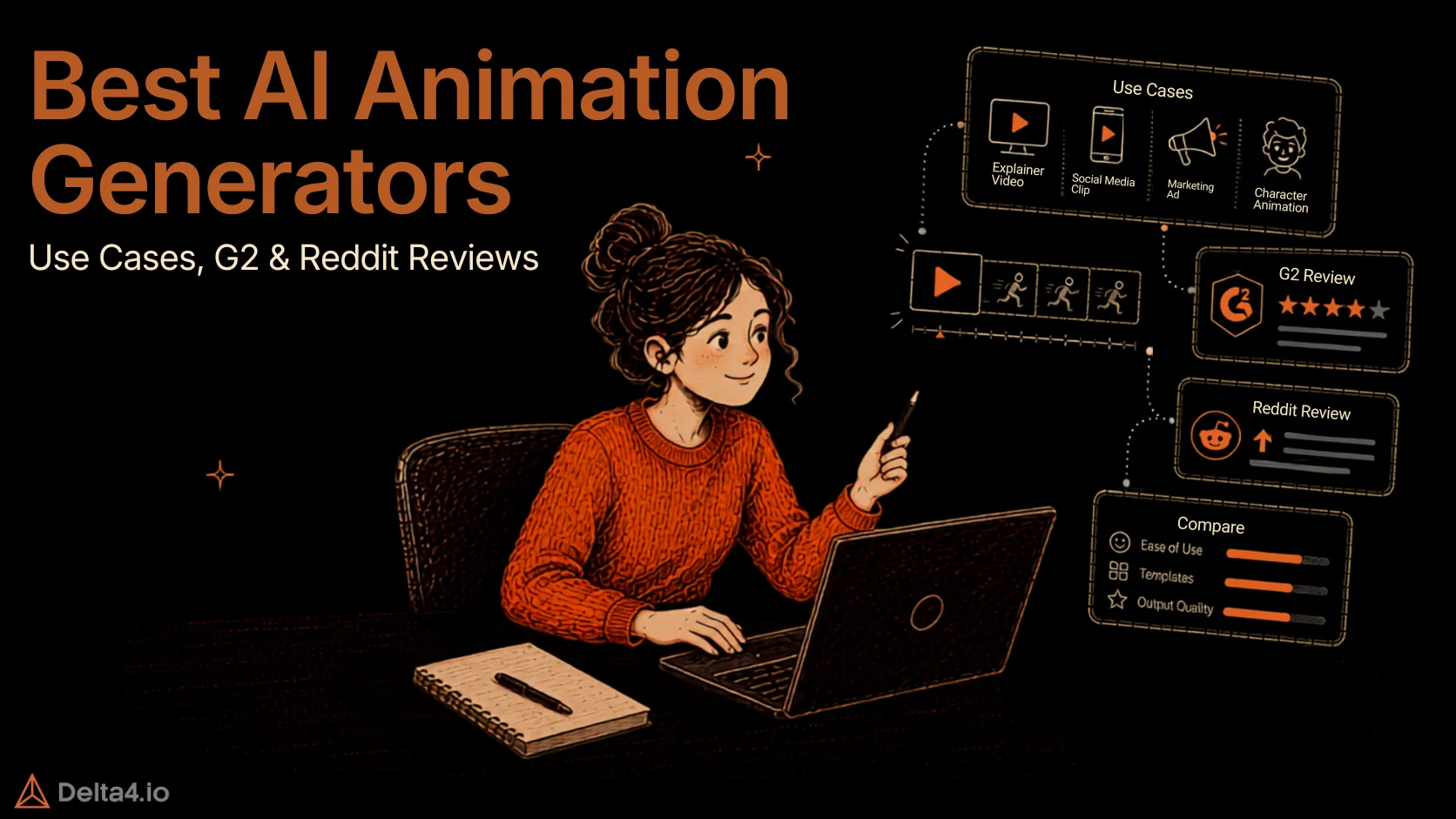
Best AI Animation Generators in 2026 are led by iArt.ai and CoAnimator, each for a reason no other tool on this list matches. iArt.ai is the only one built specifically for kinetic typography, animating the words themselves instead of stock-style clips. CoAnimator is the only one that edits footage you’ve already recorded and keeps the project open after export, so an AI agent can rebuild just the affected scene when a product changes, with unlimited local rendering and no credit meter.
TL;DR
- This roundup ranks the best AI animation generators and AI video tools for 2026, each matched to a specific product marketing job rather than one “best overall” pick.
- Pricing spans free (CoAnimator, Pika, Krikey AI, Canva) to about $200 a month at the top tier (Adobe Firefly), and none of these replace a trained animator on complex work, they compress the first draft.
Type “AI animation generator” into Google and you get a wall of tools that all claim to do everything. Most of that wall is noise. A tool built for anime-style restyling won’t help you ship a Product Hunt launch video, and a logo animator won’t produce five paid social variants before lunch.
This roundup ranks ten AI animation generators by the product marketing job each one actually wins, a growing list as the animation market pushes toward $953 billion by 2035. If animation is one piece of a bigger stack, 30 Best AI Tools for Work covers what sits outside this list. Every price below was checked against the vendor’s own page where reachable, anything unconfirmed is flagged rather than guessed.
Quick Comparison: Best AI Animation Generators at a Glance
| Tool | Best For | Starting Price | Free Tier |
|---|---|---|---|
| iArt.ai | Motion graphics & kinetic typography | $20/mo (Pro) | Yes, $5 signup credit |
| CoAnimator | Product demos & launch videos | Free / $99 one-time | Yes |
| Invideo AI | Paid social ad creative | Varies widely, verify live | Yes |
| Adobe Firefly | Enterprise & agency brand-safe campaigns | ~$9.99/mo (verify live) | Yes |
| Vyond | Animated 2D product explainer videos | Premium-priced, no fixed monthly rate confirmed (verify live) | No, limited trial only |
| Powtoon | Fast, modern animated explainers | Free (watermarked) / paid tiers, exact names and rates unconfirmed (verify live) | Yes |
| Renderforest | Logo & brand intro animation | ~$9-15/mo (verify live) | Yes, watermarked |
| Krikey AI | Animated mascot & spokesperson videos | ~$15/mo | Yes, 20 one-time credits |
| Canva (Magic Animate) | Quick social ad variations, in-house teams | ~$13-15/mo (verify live) | Yes |
| Pika | Creative product ads & visual effects | Free / ~$8-10/mo (verify live) | Yes, watermarked (verify current credit allowance) |
How We Evaluated and Ranked These AI Animation Generators
- How well the tool fits its assigned use case– Each pick earns its place for solving one specific job, a launch video, an ad variant, a demo clip, not for outperforming every other AI animation generator across every use case.
- Relevant features for the intended output– Only the features that matter for that particular job counted. A longer feature list didn’t rank a tool higher if none of those features served the actual deliverable.
- Ease of creating and editing content– Judged from vendor documentation, published reviews, and demo walkthroughs, not hands-on testing for this piece, weighing how much prompting or manual editing each output realistically needs before it’s usable.
- Pricing, free access, and plan limitations– Checked against each vendor’s own pricing page where reachable, or cross-referenced across multiple trackers as of mid-2026. Where sources disagreed, that’s stated plainly instead of averaged into a guess.
The 10 Best AI Animation Generators, Ranked by Use Case
1. iArt.ai- Best for motion graphics and kinetic typography

What it is: A prompt-to-motion-graphics generator built specifically around kinetic typography, not general video.
Key features:
- Vector-precise text animation from a plain-language prompt
- Accepts text, Figma files, audio, and YouTube links as input
- MCP integrations for connecting into an existing content workflow
- 4K exports at 60fps
Why it wins this category: Most tools animate footage. iArt.ai animates text, built specifically for kinetic typography instead of stock-style clips. That’s the real job behind most ad hooks and headline animations, where the words carry the message, not the backdrop. Vendor data points to real engagement gains for animated text over static posts, worth a grain of salt since it’s self-reported, but it tracks with why marketers keep reaching for this format.
Honest limitation: No live keyframe timeline. If a campaign needs frame-precise control beyond what a prompt can describe, this isn’t the tool.

“What I like best about ImagineArt is how quickly it creates high-quality images from simple text prompts. The image quality is impressive, and it offers a wide range of styles to choose from.”
2. CoAnimator, Best for demo & launch videos
What it is. CoAnimator is an AI animation studio built around an AI agent that works as your co-animator. It helps in building product demos, launch videos, tutorials, motion graphics scenes, and edits on real footage, with every video rendered locally on your own machine.
Key features.
- Works with any AI agent as your co-animator, Claude Code, Codex, Gemini, or a custom one, doubling as a genuine AI video generator, not just an animation tool
- Builds product demo videos, launch videos, and tutorials scene by scene while the stage updates live, and stays a real project after that, revisions stay conversational, a note like “hold that screen two beats longer” lands as a small edit instead of a full re-render
- Edits real recorded footage too, describe the look you want and captions, effects, and overlays land on the clip automatically
- Ships with built-in templates as ready starting points for common video types, so nobody starts from a blank stage
- Coa CLI enables headless, scripted rendering for CI pipelines and cron jobs, the mechanism behind auto re-rendering a demo on every release
- Rendering is fully local and unlimited, no watermark on a paid license, and it runs offline
- Already used to make real videos, including the MCP360 product demo and a Copilot SDK launch video that reached 417K views on X
Why it wins this category. Most finished videos are locked. Once a button moves or a screen changes, the video looks outdated and there’s no way to fix just that part, you start over. CoAnimator keeps the project open instead. When something changes, tell the agent what’s different and only that scene gets rebuilt, not the whole video. It can even happen without anyone doing it by hand, a headless render command lets the video rebuild itself as part of a normal product release.
Honest limitation. It’s a desktop app, not an instant browser tool, and it needs an existing AI coding agent subscription, Claude Code, Codex, or Gemini, to actually run. The free tier caps exports at 720p with a watermark.
3. Invideo AI- Best for paid social ad creative
What it is: A prompt-to-video generator built for short-form marketing and social content at volume.
Key features:
- Text-to-video with stock and AI-generated visuals
- Automated editing from a script, no timeline required
- iStock footage integration for b-roll
Why it wins this category: Paid social runs on volume, five quick hooks beat one polished video when you’re testing what lands. Invideo AI turns a script straight into a finished clip with no timeline involved, built for exactly that speed.
Honest limitation: No dedicated kinetic typography or custom text-motion feature, it handles subtitles and templated overlays well, not original motion typography (pair it with iArt.ai for that). Credit pools for AI minutes, stock footage, and voice cloning are tracked separately and don’t roll over.

“Best for explainers and quick promos when you want polish more than deep control.”
4. Adobe Firefly- Best for enterprise and agency brand-safe campaigns

What it is: Adobe’s generative AI suite, trained on licensed Adobe Stock and public domain content, with animation and video generation built in.
Key features:
- Text-to-video and image-to-video generation
- Direct integration with Photoshop, Premiere Pro, and After Effects
- Commercially safe training data
Why it wins this category: Firefly’s edge isn’t animation quality, it’s licensing. Training data pulled from licensed Adobe Stock and public domain content means fewer copyright questions when a campaign asset needs sign-off from legal, not just creative.
Honest limitation: Full value depends on an existing Adobe subscription. Free-tier credits run out fast on video specifically.

“Accepted trial period with ‘unlimited’ generations only to find the 4000 credits using 400 credits per generation amounted to 6 out of the 10 generations useless.”
5. Vyond- Best for animated 2D product explainer videos

What it is: A browser-based 2D character animation platform, the category standard for building genuinely animated (not live-action, not avatar) explainer and training videos on a timeline.
Key features:
- Character library with lip-sync and adjustable expressions across contemporary, whiteboard, and business-friendly styles
- Vyond Go, an AI mode that drafts a full animated video from a document, URL, or prompt
- Reusable scenes and actions to keep a character consistent across a whole campaign
Why it wins this category: It’s built for a character to actually demonstrate something, not a screen recording, not an avatar reading a script. Vyond is the established name in real character animation for marketing and training content.
Honest limitation: Premium-priced with no meaningful free tier, and some reviewers note the built-in character style can read as dated for consumer-facing marketing rather than internal or B2B training content.
“I like vyond for storytelling. You can create short videos to tee something up or tell a visual story that’s so much more interesting.”
6. Powtoon- Best for fast, modern animated explainers

What it is: A browser-based animated video and presentation platform, positioned as the faster, more modern-looking alternative to character-heavy tools like Vyond.
Key features:
- AI script-to-video: converts a script, document, or PDF into a produced video
- AI avatars and text-to-speech, run on a separate purchasable credit system rather than being bundled unlimited into a plan
- Slide-based drag-and-drop editor with a large template library built for business, HR, and marketing content
Why it wins this category: Powtoon trades Vyond’s deeper character animation for speed. A marketing team can go from a script to a polished, current-looking explainer without Vyond’s steeper setup, useful for a product announcement or campaign explainer that needs to ship today.
Honest limitation: Free tier is watermarked and capped at 720p, and deeper features like custom character creation and lip-sync sit behind the higher-priced Advanced tier. Some reviewers note the visuals can feel less polished than Vyond’s for complex, longer scenes.
“I think Powtoon is often overlooked. It does have animated characters but check out some of their other templates, too. You can essentially make animated slideshows…you don’t “have” to make animated character ones”
7. Renderforest- Best for logo and brand intro animation
What it is: A template-driven platform for logo reveals, intros, and branded video.
Key features:
- 1,200+ templates across logo, intro, and explainer formats
- AI logo generator with animated reveal
- Cloud rendering, no local software needed
Why it wins this category: Every launch video and ad still needs a clean brand bookend. Renderforest turns a five-second logo sting into a template job instead of a motion designer’s invoice.
Honest limitation: Customization is limited next to a true generator. AI credits and 4K exports push heavy users into higher tiers quickly.
“The easy configuration / modify and spectacular video templates are unique. We really loved it”
8. Krikey AI- Best for animated mascot and spokesperson videos

What it is: A browser-based 3D animation tool that maps real movement or a text prompt onto an animated character.
Key features:
- Video-to-3D motion capture from an uploaded clip
- Custom avatar creation, useful for a branded mascot
- Whiteboard and text-animation styles included
Why it wins this category: Some ads simply perform better with a character than a talking head or a product shot alone. Krikey turns a founder’s or a mascot’s own movement into a 3D animated spokesperson, no rigging required.
Honest limitation: Output quality lags a dedicated studio tool like After Effects on complex work. It’s built for speed, not maximum fidelity.
“Krikey AI offers a different path, giving you the power to generate your own unique character visuals and then bring them to life as fully animatable 3D models. This opens up a whole new level of personalization and creative expression.”
9. Canva (Magic Animate)- Best for quick social ad variations, in-house teams
What it is: Canva’s built-in animation feature inside its wider design platform, not a standalone animation tool.
Key features:
- Magic Animate turns a static ad design into a short motion clip
- Brand Kit for consistent colors and fonts across every variant
- One-click resize across social ad formats
Why it wins this category: A team already living inside Canva for static ad creative can turn a variant into motion in one click, no export, no new platform, useful when ten A/B test versions need to ship by end of day.
Honest limitation: Not built for anything beyond simple motion on an existing design. No character animation, no video restyling, no real timeline.
“I use Canva for animated video. Canva has more beautiful animations and they are really flashy, but its strength are its own resources, I believe.”
10. Pika- Best for creative product ads and visual effects

What it is: An AI video generator built around fast, stylized short clips, best known for physics-based visual effects rather than straight text-to-video.
Key features:
- Pikaffects: physics-defying effects (melt, explode, inflate, dissolve) applied to any object in a shot
- Pikadditions and Pikaswaps: insert or swap objects, characters, or backgrounds directly in existing footage
- Pikaframes: keyframe-based generation for extending a clip beyond a single 5 to 10 second unit
- Free tier is watermarked and limited to personal use, commercial rights and watermark-free exports require a paid plan
Why it wins this category: Product ads live or die on fast iteration, a new background, a new product angle, a new color, without reshooting. Pikaswaps and Pikadditions do exactly that on real footage, and Pikaffects gives paid social the kind of scroll-stopping visual gag (a product melting into liquid, a box exploding open) a template tool can’t produce.
Honest limitation: Clips typically run 5 to 10 seconds per generation, longer sequences require chaining multiple keyframe generations. Pika doesn’t generate its own soundtrack or voiceover, sound design needs a separate pass. Continuity across multiple shots is unpredictable, not a fit for brand work that needs strict visual consistency.
“Pika makes it easy to turn simple ideas into short videos without a complicated workflow. I like that I can experiment with different prompts and visual styles quickly, which is useful when exploring concepts before creating a final version.”
What to Check Before You Subscribe
- Commercial rights vary by tool and by tier– Some free plans restrict output to personal use only, check this before using any generated clip in paid advertising.
- Uploaded footage and product screenshots carry privacy and IP weight– Uploading real UI, unreleased features, or a founder’s likeness for animation means checking that platform’s data policy before you upload, not after.
- Credit systems and watermarks are the most common cost surprise– Several tools on this list meter AI minutes, stock downloads, and voice cloning as separate pools that don’t roll over, read the fine print before committing to a plan based on the headline price.
Which AI Animation Generator Is Best for Your Use Case?
- Animating a product launch post or ad headline: iArt.ai
- A product demo or launch video, no credit meter: CoAnimator
- Paid social ad creative at volume, testing multiple hooks: Invideo AI
- Brand-safe generation for enterprise or agency campaign work: Adobe Firefly
- An animated 2D explainer with real characters, not an avatar: Vyond
- A fast, modern-looking animated explainer without Vyond’s setup time: Powtoon
- A logo animation or branded intro to bookend other videos: Renderforest
- An animated mascot or spokesperson for social ads: Krikey AI
- Quick social ad variants, already living in Canva: Canva Magic Animate
- Creative product ads or physics-defying visual effects for social: Pika
Conclusion
After comparing these AI animation generators, the choice comes down to matching the tool to the content you actually need to make, not picking whichever one ranks first.
iArt.ai wins when animated typography carries the creative. CoAnimator leads for product demos and launch videos. Invideo AI, Canva, and Pika cover social and paid ad content at scale. Vyond, Powtoon, and Krikey AI handle explainers and character-led content. Adobe Firefly and Renderforest fit best when brand consistency or licensing matter most.
Test a few options against the same brief before you commit. Compare output quality, editing time, and whether the result is ready to publish. The best AI animation generator is simply the one that gets your content made efficiently, with enough control to trust the result.
If design tools generally are part of your stack, 10 Best AI Design Tools in 2026 covers the adjacent category. If Canva is already in the mix, Gamma vs Canva is worth a look first.
Frequently Asked Questions
What is the best AI animation tool in 2026?
Depends on the job. iArt.ai leads for kinetic typography since it animates the words themselves instead of stock clips, CoAnimator for demo and launch videos since it keeps the project editable instead of exporting a locked clip, and Pika for ad creative with fast, physics-based visual effects.
Which AI animation tool is best for beginners?
Canva’s Magic Animate. It turns a static design already sitting in Canva into a short motion clip in one click, no new software or timeline to learn.
Can I animate an image using AI?
Yes. Krikey AI maps real movement or a text prompt onto a 3D character built from your image, and Pika applies physics-based effects, melting, exploding, inflating, directly to a still shot.
What is the difference between AI animation and AI video generation?
Animation tools build styled motion from text, images, or characters you control. Video generators create footage from scratch using a foundation model, often with less control over the exact result.
What is the best free AI animation generator?
Pika’s free plan gives 80 monthly credits with real editing tools, and Krikey AI includes 20 one-time credits for 3D character animation. Both restrict commercial use until you upgrade.
Can I use Claude Code to make a video?
Yes, with CoAnimator. Claude Code, Codex, or Gemini writes the scenes and timeline from a plain description while the stage updates live, no manual editing software required.
Is there an AI tool that can edit my own recorded footage?
Yes, platforms like CoAnimator handle this. Describe the look you want, a cinematic grade, a title behind the speaker, a freeze-frame intro, and it’s applied directly to footage you already recorded.
Can an AI video tool update itself when my product changes?
CoAnimator solves this by keeping every project open after export instead of locking it into a finished clip. Reopen it, tell the agent what changed, and only that scene rebuilds.

Article by
TaniyaPeople & AI at Workplace
Taniya writes at the intersection of people and AI at Delta4 Infotech. From the people-and-culture side of the business, she covers how AI agents, automation, and new tools are reshaping hiring, onboarding, and the way teams work — always keeping people at the center.